
What does Mbps actually mean?
Mbps (megabits per second) is how much data your connection can carry at once. Think of it as the width of a road: a wider road lets more vehicles travel at the same time without a jam. More speed doesn’t make a single video load dramatically faster. It lets more people and devices use the internet together without slowing each other down.
How much speed do common activities use?
These are approximate figures; exact usage varies by app and quality setting.
| Activity | Approx. speed needed |
|---|---|
| Browsing, WhatsApp, email | 1–5 Mbps |
| HD video streaming (one screen) | 5–8 Mbps |
| 4K video streaming (one screen) | 15–25 Mbps |
| Video call (Zoom, Google Meet, Teams) | 3–8 Mbps |
| Online gaming | 5–25 Mbps (low ping matters more than raw speed) |
| Large downloads and cloud backups | As much as you can give it |
Add up what your household does at the same time in the evening. That total is the number that matters.
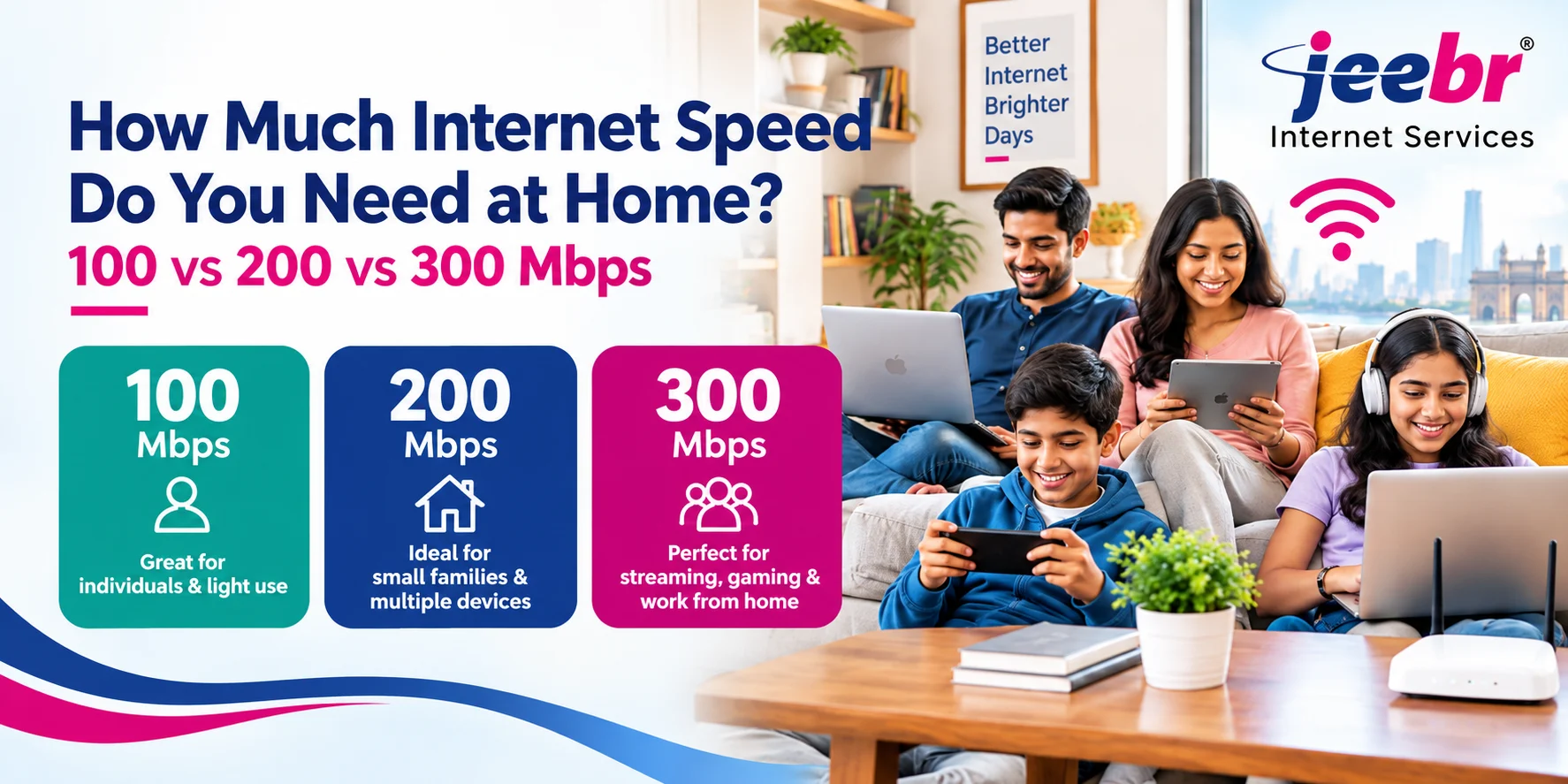
100 vs 200 vs 300 Mbps: which is right for you?
| 100 Mbps | 200 Mbps | 300 Mbps | |
|---|---|---|---|
| Best for | Small homes, 1–4 people | Medium families, 5–8 devices | Large families, heavy users |
| Typical use | Streaming, calls, browsing, light work from home | Multiple HD/4K streams,gular work from home, online classes | Multiple 4K streams, gaming, large uploads, smart home setups |
| Jeebr price | ₹599/month | ₹799/month | ₹899/month |
Check the Jeebr plans page for current pricing and terms, since offers can change.
Choose 100 Mbps if…
- You live alone or with 1–3 others
- You mostly stream on one or two screens and use WhatsApp, social media and video calls
- One person works from home with standard office tools
Choose 200 Mbps if…
- You have 5–8 devices connected at once (phones, laptops, TVs, tablets)
- Two people work or study online at the same time
- You stream in 4K on one screen while others browse or call
Choose 300 Mbps if…
- You have a large household, or several people streaming and gaming together
- You regularly download large files, upload videos, or use cloud backups
- You have many smart devices (cameras, speakers, TVs) running constantly
Quick way to pick your speed
-
Count how many people are online in the evening.
- Count the 4K streams, video calls, and games likely to run together.
- Add roughly 10–25 Mbps for each heavy activity, then leave 20–30% spare for growth.
- Round up to the nearest plan.
Example: A family of four with two people on video calls (≈10 Mbps), one 4K stream (≈25 Mbps), and background phone use (≈10 Mbps) needs about 45 Mbps. A 100 Mbps plan covers that comfortably.
Why your speed may feel slow even on a fast plan
A fast plan won’t help if something else is the bottleneck:
- Weak WiFi coverage. Walls and distance reduce speed. Place the router centrally and away from metal and appliances.
- Too many devices on the 2.4 GHz band. Use 5 GHz for laptops, TVs and phones close to the router.
- Old or low-quality router. The router can limit speed more than the plan does.
- Peak-hour congestion on the network. Fiber-to-the-home connections generally handle this better than shared cable lines.
Run a test at different times of day with the Jeebr internet speed test. Test on a device connected by LAN cable, then on WiFi, to see whether the problem is the connection or your home network.
Why fiber makes a difference
Jeebr’s fiber-to-the-home broadband uses fiber optic cable directly to your home, which supports stable speeds and low latency, both important for calls, gaming and streaming. Jeebr plans include unlimited data, and offers such as free installation, a free-to-use router, 24+ OTT apps and 350+ live TV channels (terms apply).
Frequently asked questions
Is 100 Mbps enough for a family of four?
Usually yes, for streaming, video calls, browsing and one person working from home. If several people stream in 4K or game at the same time, 200 Mbps gives more headroom.
Is 300 Mbps too much for home use?
Not for large households or heavy users. For one or two people with light use, it’s more than you need and 100 or 200 Mbps will be better value.
How much speed do I need for work from home?
Video calls and office apps need only a few Mbps each. A 100 Mbps plan works for one remote worker. Choose 200 Mbps if two or more people work or study online together.
Does a higher Mbps plan mean faster WiFi?
Only up to a point. WiFi speed also depends on your router, distance, walls and the number of connected devices. A good router placement can matter as much as the plan.
Can I upgrade my plan later?
Contact Jeebr support to check upgrade options and terms for your connection.
Ready to choose your plan?
See all Jeebr home broadband plans, check availability in your area using the form on the Jeebr homepage, or chat with the sales team on WhatsApp.